Most beginners do not end up with the wrong laser engraver because they misunderstand what engraving is. They end up with the wrong machine because they start with wattage, social-media demos, and generic rankings before they define the work the machine must handle every week.
For first-time buyers comparing laser cutters and engravers for wood, acrylic, and similar non-metal materials, the better question is not which machine looks most impressive online. It is which setup matches the real material mix, learning curve, space limits, finish expectations, and production pace of the shop. That is what decides whether the first purchase becomes a productive asset or an expensive lesson.
Beginner Usually Means First-Time Buyer, Not Low-Risk Buyer
A beginner in this context is not always a hobby user. It may be a sign shop bringing engraving in-house, a small decor manufacturer adding cut-and-engrave capability, a gift-product supplier moving beyond outsourcing, or a factory team introducing laser work for the first time.
That distinction matters because the first machine often sets the operating standard for everything that follows:
- How Jobs Are Prepared
- How Operators Learn the Process
- How Material Waste Is Controlled
- How Much Cleanup and Adjustment the Team Accepts as Normal
- How Easily the Laser Fits Into the Broader Workflow
If the planned workload may later include metal marking or metal cutting, that should be treated as a separate process-selection decision rather than assumed to be part of the same beginner purchase.
Start With the Work, Not the Machine
Before comparing machine formats, define the actual queue. Most first-time buyers get better answers from workflow questions than from long specification lists.
Start here:
- What Materials Will Consume Most of the Machine Hours?
- Is the Main Need Surface Engraving, Contour Cutting, or Both?
- Are Most Jobs Repeated Parts, or Short Custom Runs?
- Will One Operator Run the System, or Will Several People Need to Use It Reliably?
- How Much Floor Space, Extraction Support, and Work Handling Space Is Realistically Available?
- Is Surface Appearance Customer-Facing, or Is the Laser Supporting an Internal Production Step?
A beginner who answers those questions honestly usually avoids the two most common errors: buying too much machine for an unstable workflow, or buying too little machine for a job mix that quickly becomes restrictive.
What Actually Matters More Than Online Rankings
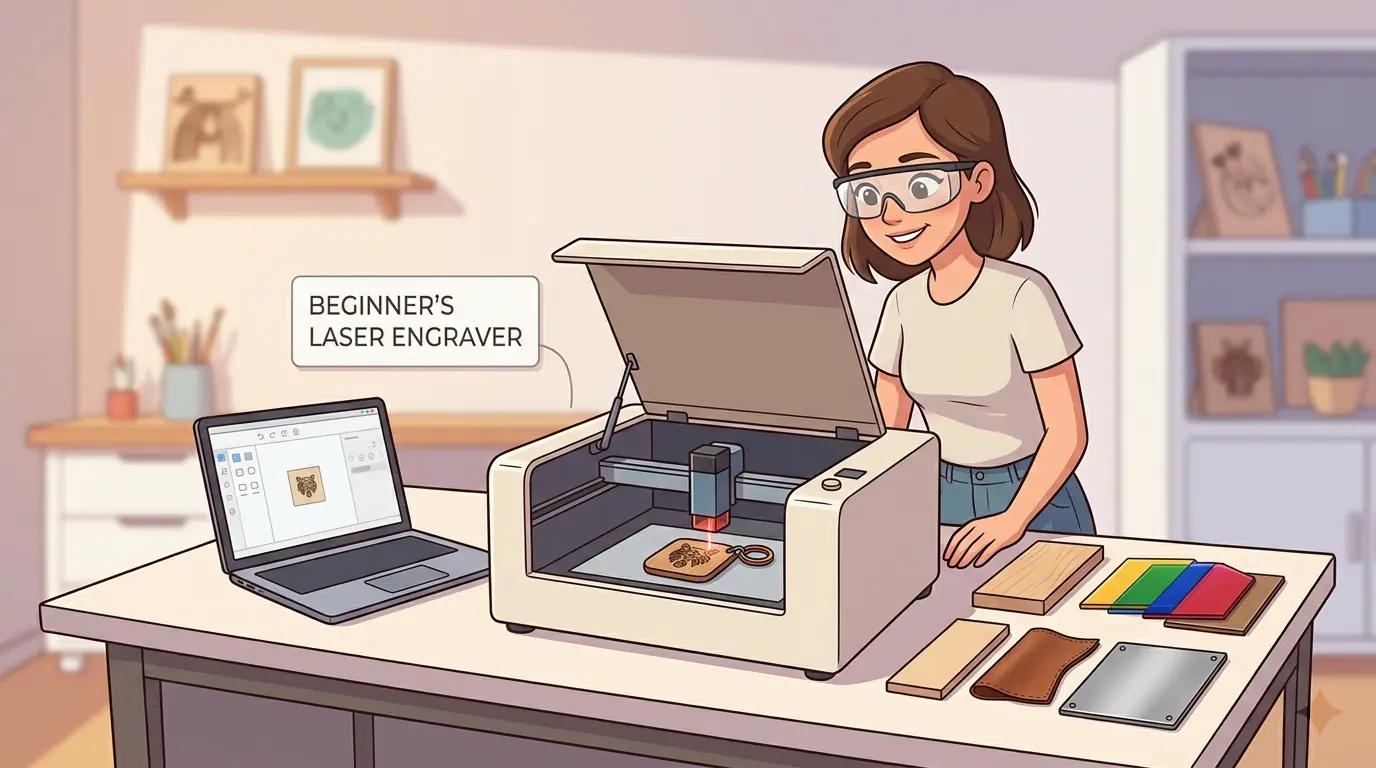
The best beginner laser engraver is rarely the one with the loudest marketing. It is usually the one that removes friction from setup, cleanup, part handling, and repeat work.
| Factor | What To Evaluate | Why It Matters for Beginners | Common Shortcut That Backfires |
|---|---|---|---|
| Material Fit | The real substrates, surface-finish expectations, and edge-quality needs in the weekly queue | A machine that looks good on one sample may become frustrating across day-to-day materials | Buying from generic sample photos instead of real application fit |
| Software and Operator Learning Curve | File setup, layer logic, job recall, alignment steps, and how easily operators can repeat the same result | First-time teams often lose more time to setup confusion than to raw processing speed | Assuming every controller will be easy enough after installation |
| Bed Size vs Real Part Size | Typical part dimensions, usable loading space, and how comfortably workpieces can be positioned | Oversized machines raise cost and footprint; undersized ones force awkward repositioning and reduce consistency | Buying the largest work area the budget allows |
| Positioning and Repeatability | How reliably parts can be placed, rerun, and inspected without drift | Beginners need a process that survives daily handling, not one perfect demo sample | Judging quality from one centered test piece |
| Ventilation and Residue Control | Smoke removal, residue buildup, cleanup effort, and how clean the surrounding workspace stays | Poor extraction affects finish quality, operator time, and maintenance frequency | Treating extraction as a secondary accessory problem |
| Maintenance Access | Daily cleaning points, inspection access, and routine service practicality | A first machine should be easy to keep stable without turning upkeep into a separate project | Ignoring maintenance until quality starts to drift |
| Workflow Fit | Whether the machine should mainly engrave, mainly cut, or do both in one queue | Queue stability matters more than broad versatility when a team is still learning the process | Buying the most multifunctional option by default |
| Upgrade Logic | Whether future growth really requires more automation or simply better process discipline | Beginner buyers often overpay for distant future scenarios that may never arrive | Paying for complexity the current workflow cannot justify |
Why Power Alone Is a Weak Buying Shortcut
Many first-time buyers overfocus on power because it looks like an easy way to compare machines. In practice, more aggressive configurations do not solve the problems that usually frustrate beginners first.
Those early problems are usually:
- Inconsistent Material Setup
- Slow Job Changes
- Weak Smoke Management
- Too Much Cleanup After Visible Parts
- Poor Repeatability on Repeated Orders
- Operator Uncertainty Around File Preparation and Positioning
Power can affect cycle time and application range, but it does not replace workflow stability. A machine that is easier to run cleanly and consistently will usually produce better commercial results for a beginner than a machine that looks stronger on paper but is harder to control in daily use.
Decide Early Whether One Machine Should Both Engrave and Cut
For many beginner buyers in signage, decor, display fabrication, and branded wood products, one system that handles both engraving and contour cutting can reduce handoffs and simplify the floor plan. That is often a sensible first step when order volumes are moderate and jobs regularly combine graphics with shaped parts.
It is less sensible when:
- Engraving Jobs Run Continuously and Would Block Cutting Work
- Cutting and Engraving Need Very Different Scheduling Priorities
- The Team Needs a Simpler First Process Before Adding More Variables
- Production Depends More on Repeatable Batch Output Than Mixed Custom Work
A beginner-friendly purchase is not always the most versatile one. It is the one that creates the least friction in the daily queue.
What Different Beginner Buyers Should Prioritize
The phrase best laser engraver for beginners covers several very different buying situations. The right first machine for a custom shop is not necessarily the right first machine for a production team learning laser as a secondary process.
| Buyer Situation | Usually Matters Most | Usually Matters Less |
|---|---|---|
| Custom Gifts or Signage Startup | Fast Job Changes, Software Simplicity, and Clean Finish on Visible Parts | Maximum Theoretical Throughput |
| Small Wood or Acrylic Workshop | Material Fit, Cut-and-Engrave Flexibility, and Manageable Cleanup | Oversized Work Envelope |
| First Industrial Cell for Branding or Decorative Panels | Repeatability, Fixturing Stability, and Consistent Output Across Shifts | Broad Material Claims That Do Not Match the Actual Queue |
| Factory Team Testing Laser Before Scaling | Process Discipline, Operator Training, and Reliable Maintenance Routine | Paying for Complexity Intended for a Later Expansion Phase |
This is why the best beginner machine is usually context-specific. The better first purchase is the one that matches today’s workload well enough to build a stable process, not the one that promises the broadest future story.
Beginner Mistakes That Become Expensive Fast
The most common buying mistakes are usually operational, not technical.
- Buying Around Occasional Future Jobs Instead of the Weekly Core Workload
- Confusing Sample Quality With Repeatability Across Real Orders
- Underestimating Ventilation, Housekeeping, and Operator Cleanup Time
- Assuming a Bigger Machine Automatically Creates More Flexibility
- Choosing on Price Alone Without Accounting for Rework, Training Time, and Maintenance Burden
- Expecting One Purchase To Cover Non-Metal Work Today and Unrelated Metal Processes Tomorrow
Most of those mistakes do not look serious during the quotation stage. They become expensive after installation, when the machine has to perform inside the actual shop rhythm rather than a controlled demonstration.
Practical Summary
The best laser engraver for beginners is usually not the cheapest machine, the most powerful machine, or the machine with the strongest online reputation. It is the one that matches the real material mix, keeps the learning curve manageable, fits the available space and extraction setup, and delivers acceptable results without constant adjustment or cleanup.
For first-time buyers, that usually means choosing workflow fit over headline specs and process stability over generic rankings. If this purchase is also part of a wider production upgrade, reviewing the broader Pandaxis product catalog can help separate immediate laser needs from later equipment decisions, which usually leads to a cleaner first investment and a more stable path to scale.