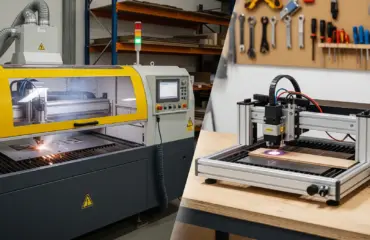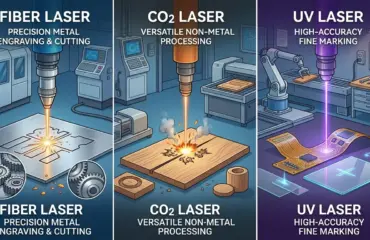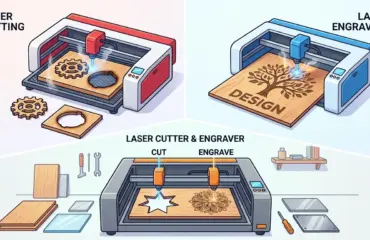
A laser machine can be a strong investment for a modern fabrication shop, but only when it matches the real production flow. Shops that process acrylic, wood, coated panels, signage materials, templates, decorative parts, and mixed non-metal components often look at laser systems because they want cleaner detail, faster changeovers, and less secondary finishing. The problem is that many buying decisions still start with headline power, generic marketing claims, or a vague idea that “laser” automatically means higher productivity.
In practice, the right buying decision depends on material mix, part geometry, finish expectations, batch size, operator workflow, and how the machine fits with the rest of the shop. A laser machine that looks impressive on paper can still create bottlenecks if it is poorly matched to the parts you actually produce. A well-matched machine, by contrast, can reduce manual trimming, improve repeatability, and make short-run production far more efficient.
Start With The Production Problem, Not The Machine Label
The first question is not which laser machine looks most advanced. The first question is what production problem the machine needs to solve.
For most fabrication shops, the decision usually falls into one or more of these categories:
- Faster Processing Of Small And Medium Parts
- Cleaner Edge Quality On Acrylic, Wood, Or Similar Substrates
- Combined Cutting And Engraving In One Workflow
- Lower Setup Time For Short Runs And Frequent Design Changes
- Better Repeatability For Branded, Decorative, Or High-Detail Parts
That starting point matters because a laser machine is not the best answer to every cutting task. If your workload is dominated by thick structural panels, straight panel sizing, or large amounts of heavy stock removal, a beam saw, sliding table saw, or CNC router may still be the stronger first investment. If your shop mainly handles heavy-gauge metal or tube processing, the machine class and selection logic change significantly from the non-metal-focused laser systems most mixed-material fabrication shops evaluate.
Match The Machine To Material And Output
Once the production problem is clear, the next step is to map the machine to the actual materials and outputs your shop handles every week.
Laser processing is especially attractive when the shop needs fine detail, repeatable outlines, engraved marks, or clean non-contact cutting on materials such as acrylic, wood, veneers, laminates, paper-based substrates, leather-like materials, and selected plastics. In those cases, the laser is valuable not just because it cuts, but because it can improve edge consistency and reduce the amount of manual cleanup after cutting.
This is also where buyers should be honest about whether the machine is being purchased mainly for cutting, mainly for engraving, or for a mixed workflow. A cutting-heavy shop will care more about stable throughput, consistent edge quality, bed utilization, and sheet handling. An engraving-heavy shop will care more about detail quality, repeatability, surface finish, and whether the machine supports efficient job switching across many small orders.
When the workflow includes both cutting and engraving, the machine has to support both without turning one of those tasks into a compromise. That is why modern fabrication shops should define their dominant output before they begin comparing models.
Evaluate The Factors That Actually Affect Buying ROI
The strongest buying decisions usually come from a small set of practical filters rather than a long list of isolated specifications.
| Buying Factor | What To Review | Why It Matters In Production |
|---|---|---|
| Material Mix | Core materials, coating types, thickness range, and whether jobs change often | Determines whether the machine fits real orders instead of only test samples |
| Primary Output | Mostly cutting, mostly engraving, or mixed work | Affects machine balance, setup logic, and productivity expectations |
| Part Size | Largest sheet format and typical nesting layout | Influences working area, operator handling, and throughput |
| Edge Quality Standard | Whether parts go directly to assembly, display use, or secondary finishing | Impacts rework time and downstream labor |
| Changeover Frequency | Number of job switches per shift or per day | Shows whether setup efficiency matters more than maximum single-job speed |
| Ventilation And Cleanliness | Fume extraction, dust control, and shop environment | Directly affects machine stability, operator safety, and maintenance |
| Maintenance Reality | Lens cleaning, alignment checks, consumables, and operator discipline | Separates stable production assets from machines that drift out of tolerance |
| Workflow Integration | How the machine connects to design, nesting, assembly, and finishing steps | Determines whether the laser removes bottlenecks or creates new ones |
This table is more useful than looking at power alone because most buyers do not lose money on the machine’s headline spec. They lose money on poor process fit. A laser that is slightly slower than another machine can still be the better investment if it cuts rework, reduces manual finishing, and handles the shop’s real order pattern more reliably.
Look Beyond The Laser Head To The Full Production Workflow
Many buyers focus on the cutting point itself and overlook the surrounding workflow. That is a mistake, because the machine’s real performance depends on the entire production chain around it.
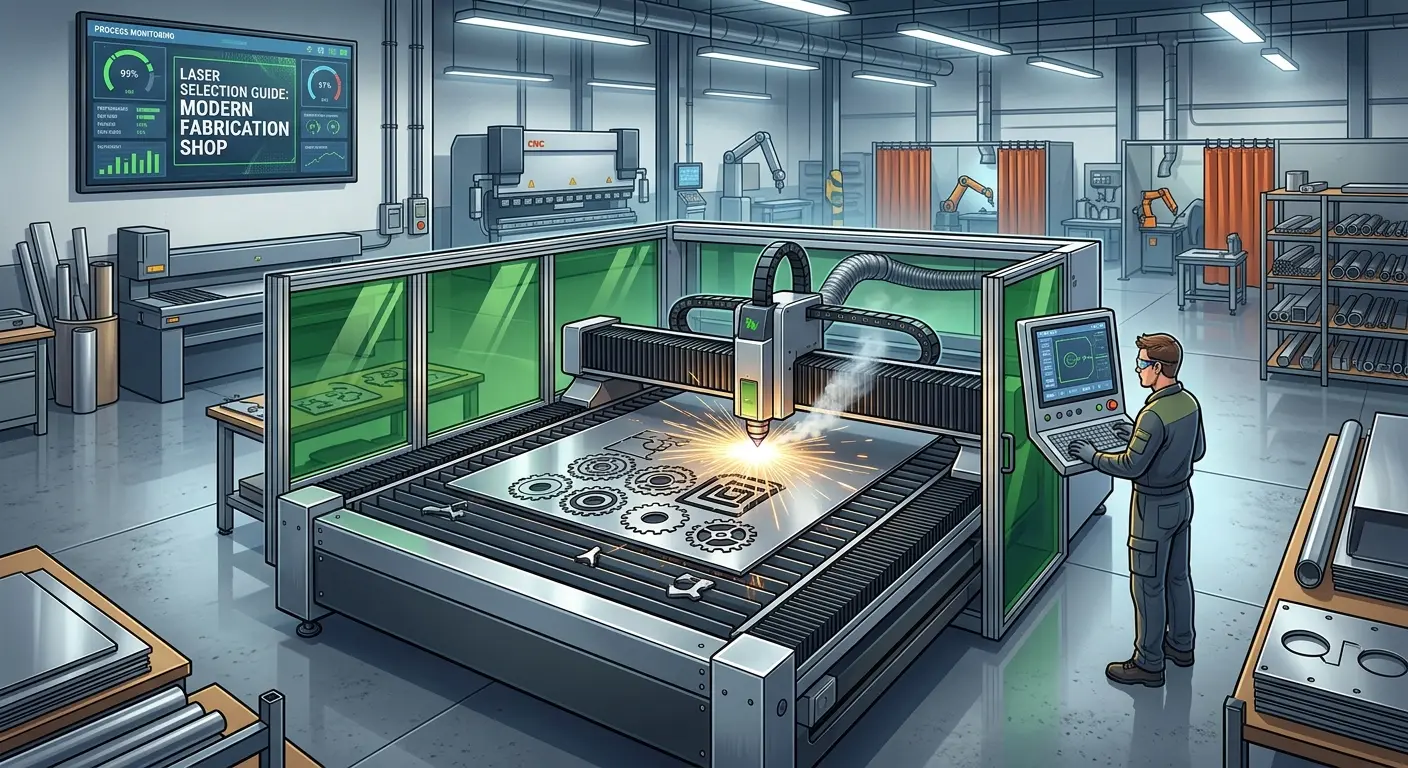
Material loading matters. Job preparation matters. Exhaust performance matters. Sheet flatness, part removal, and downstream finishing all matter. If the operator needs too much manual intervention between jobs, the machine may never deliver the throughput the quotation implied.
This is why buyers researching laser cutters and engravers should look past general category descriptions and think in terms of process stability. Ask how the machine will be loaded, how cut parts will be removed, how scrap will be handled, how engraved and cut jobs will be sequenced, and how often the operator will need to interrupt production for cleaning or adjustments.
The best machine for a modern fabrication shop is usually the one that keeps the production rhythm stable, not the one with the most aggressive brochure language.
Compare Laser Against The Processes Already In Your Shop
A laser should not be purchased in isolation. It should be evaluated against the equipment and processes the shop already uses.
Laser machines are often strong where detail, precision outlines, non-contact processing, and fast design changes matter. But other machines remain better choices for many tasks:
- CNC Routers Are Often Better For Deeper Material Removal, Heavier Panel Work, And Some Thick Non-Metal Workflows.
- Panel Saws And Sliding Table Saws Are Often Better For High-Volume Straight Cutting And Basic Panel Sizing.
- Knife Or Mechanical Cutting Systems May Be Better For Certain Flexible Materials Or When Heat Effects Must Be Avoided.
- Manual Or Semi-Manual Processes May Still Be Acceptable For Very Low Volume Work With Minimal Quality Pressure.
That comparison mindset is important because the right question is not “Is laser modern?” The right question is “Where does laser create the best operational advantage in this shop?” If the laser is mainly replacing trimming, hand finishing, jig changes, and slow short-run setups, the business case is often much stronger than if it is being forced into jobs better handled by another machine.
If your team is comparing laser against other cutting and panel-processing assets, the broader Pandaxis product catalog can help frame where laser fits within a larger production strategy rather than as a standalone purchase.
Ask The Questions That Prevent A Costly Mismatch
Before committing to any machine, buyers should pressure-test the decision with practical questions.
- What Materials Generate Most Of The Shop’s Revenue?
A machine should be selected around the materials that drive real output, not occasional sample jobs. - Is The Shop Primarily Buying Cutting Capacity, Engraving Quality, Or Both?
This affects how the machine will be configured and how productivity should be measured. - What Is The Largest Part Or Sheet Size Processed Regularly?
A machine that is too small creates constant handling inefficiency even if the cutting quality is acceptable. - How Much Secondary Finishing Is Acceptable After Cutting?
If the downstream team cannot absorb sanding, trimming, or edge cleanup, edge quality becomes a major selection factor. - How Often Do Jobs Change During A Shift?
Frequent changeovers increase the value of easy setup, stable software workflow, and predictable repeatability. - Who Will Operate And Maintain The Machine?
A sophisticated system still fails as an investment if the shop cannot support routine care and disciplined operation. - How Will The Shop Manage Extraction, Cleanliness, And Material Safety?
Ventilation and process discipline are part of the buying decision, not an afterthought. - Which Downstream Step Depends Most On The Laser’s Output?
Assembly, display finish, printing, bonding, packaging, or decoration may all place different demands on cut quality and consistency.
Signs A Laser Machine Is The Right Investment
Laser usually becomes a high-value purchase when several of the following conditions are true:
- The Shop Processes Detail-Oriented Parts With Tight Visual Standards.
- The Workflow Includes Frequent File Changes Or Small Batch Orders.
- Secondary Trimming Or Cleanup Is Consuming Too Much Labor.
- Acrylic, Wood, Laminated Surfaces, Or Similar Non-Metal Materials Are A Core Part Of Production.
- The Shop Wants One Digital Workflow For Both Cutting And Surface Marking.
- Repeatability Matters More Than Operator-Dependent Hand Finishing.
In these situations, the machine’s value is often seen in fewer process interruptions, better cosmetic consistency, and smoother transitions from design file to finished part.
Signs Another Machine Should Come First
Laser may not be the first priority if the shop’s actual bottleneck is somewhere else.
- Straight Panel Sizing Dominates The Daily Workload.
- Most Jobs Require Heavy Material Removal Rather Than Fine Detail.
- The Shop Processes Material Types That Are Poorly Matched To Laser Workflow.
- Ventilation, Cleanliness, Or Operator Discipline Are Not Yet Stable Enough To Support Reliable Use.
- The Business Case Depends On Overselling Occasional Work Instead Of Core Revenue Jobs.
- Downstream Processes Will Not Benefit Meaningfully From Laser-Level Edge Quality Or Marking Precision.
In those cases, a router, saw, boring machine, or finishing asset may solve the larger production problem first. Modern fabrication shops get the best results when they buy in process order, not trend order.
Buy For Workflow Stability, Not Specification Theater
The strongest laser machine buying decisions are not based on what sounds most advanced. They are based on what keeps production moving with less waste, fewer manual corrections, and better consistency across real customer orders.
For a modern fabrication shop, that means defining the material mix clearly, separating cutting needs from engraving needs, comparing laser honestly against existing processes, and evaluating the surrounding workflow instead of only the machine headline. When those decisions are made carefully, a laser machine can become a practical productivity asset rather than an expensive side process.
The most reliable buying logic is simple: choose the machine that fits the work, supports the operator, and improves the downstream workflow your shop depends on every day.