Many laser buying mistakes start with the wrong comparison. Shops often compare machine labels first, then try to force their production needs into that label afterward.
In real use, the better question is simpler: do you need full part separation, surface detail, or both in the same workflow? For buyers evaluating laser cutters and engravers for wood, acrylic, and similar non-metallic materials, the right choice usually depends on where production value is created. If the job succeeds or fails at the edge, cutting should lead the decision. If it succeeds or fails on appearance, alignment, and detail, engraving should lead it. If the same part repeatedly needs both steps, then a mixed setup may be the right answer.
Start With the Finished Part, Not the Machine Label
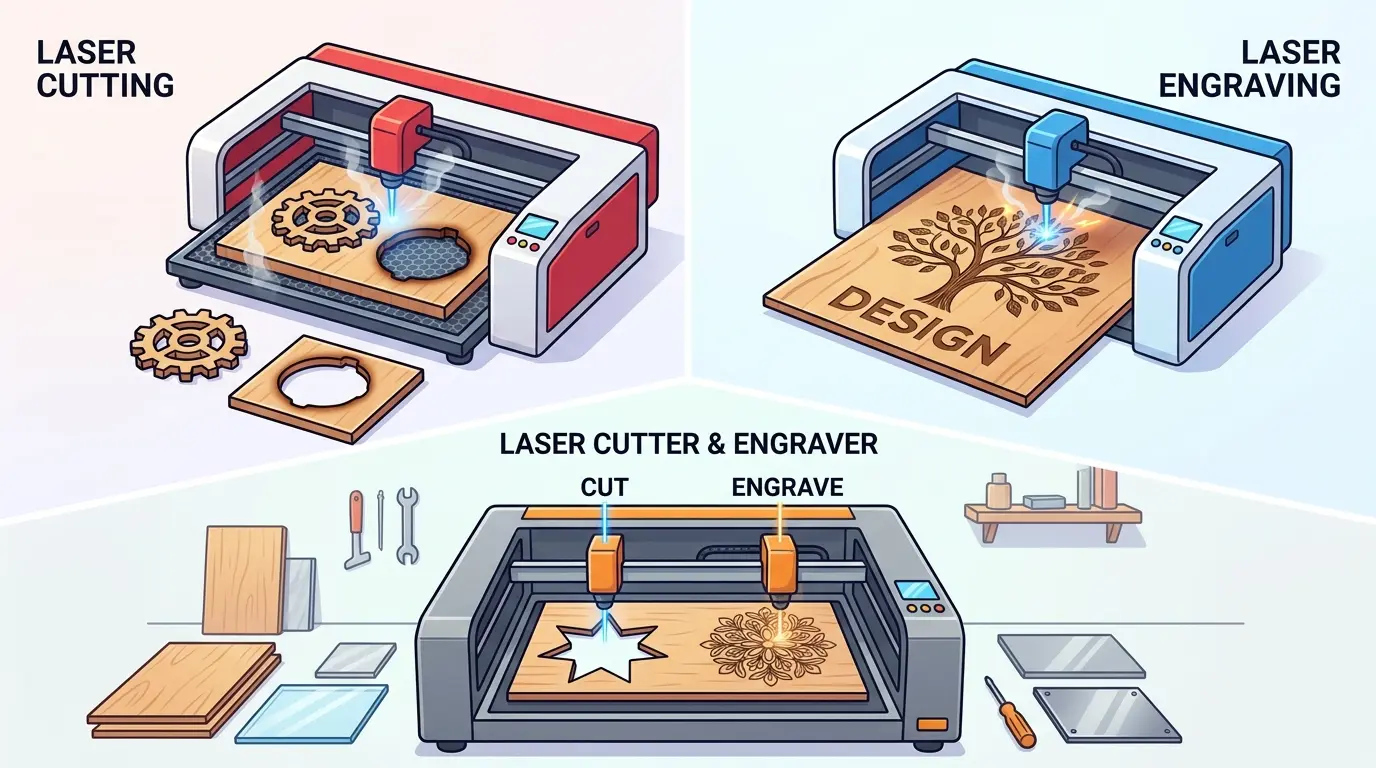
A laser cutter and a laser engraver are not separated only by marketing language. They are separated by what the finished part must do next.
Cutting matters when the job requires the laser to pass through the material and release a usable part from the sheet. In that workflow, buyers care about edge cleanliness, reliable cut-through, reduced cleanup, and how smoothly parts move into assembly, packing, or finishing.
Engraving matters when the laser is changing the surface rather than separating the part. In that workflow, buyers care about mark clarity, visual consistency, alignment, repeatability, and how quickly artwork or layout changes can be handled without creating cosmetic rejects.
Some shops need both because the same product requires contour cutting and surface graphics, text, branding, or decorative detail. In that case, the machine choice is not just about capability. It is about whether both tasks share the same production rhythm.
When Cutting Should Lead the Decision
Cutting should lead when your output is judged mainly by how many complete parts come off the sheet in usable condition.
That is usually true when the workflow depends on:
- Clean Part Separation
- Predictable Edge Quality
- Stable Throughput Across Repeated Jobs
- Better Material Utilization
- Less Manual Cleanup Before Downstream Work
In a cutting-led environment, the laser behaves more like a part-making station than a graphics station. The real production question is not whether the beam can trace a contour. It is whether the part releases cleanly, whether the edge is acceptable for the next operation, and whether the machine can hold that result across a full shift.
This is common in shops producing repeated acrylic shapes, wood components, inserts, display elements, decorative panel parts, and other non-metallic pieces where part output matters more than surface presentation.
If surface marking is only occasional but cut quality affects every order, the selection should still be cutter-led. A machine that can engrave is useful, but it should not distract from the fact that the business is really buying dependable contour processing.
When Engraving Should Lead the Decision
Engraving should lead when the part’s value comes mainly from what appears on the surface rather than from being separated from sheet stock.
That is usually true when production is measured by:
- Detail Clarity
- Visual Consistency Across Repeated Orders
- Accurate Positioning And Registration
- Fast Artwork Changes
- Reduced Cosmetic Rework
In an engraving-led workflow, the most expensive failures are often not dramatic machine stoppages. They are subtle appearance problems that turn a technically usable part into a commercial reject. Uneven marking, poor contrast, off-position artwork, and inconsistent finish quality can all slow output even when the machine is still running.
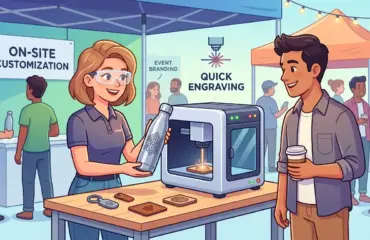
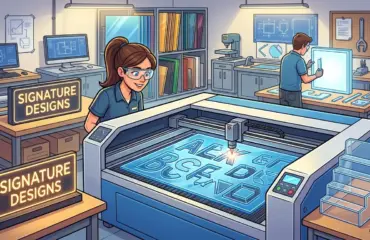
This kind of workflow is common when shops produce branded acrylic pieces, engraved wood panels, decorative parts, customized display elements, and short-run jobs where design changes happen frequently.
If the operation only needs occasional contour trimming but wins business through customization, brand presentation, or decorative detail, engraving should remain the lead decision factor.
A Practical Decision Table
| If Your Shop Mostly Needs | The Decision Usually Leads Toward | Why |
|---|---|---|
| Parts fully cut out from sheet stock | Cutting | Throughput, edge quality, and part release drive the workflow |
| Surface text, logos, patterns, or decorative detail | Engraving | Appearance, positioning, and visual consistency define product value |
| The same part needs contour cutting and surface detail | Both | One job requires two different laser outcomes in one workflow |
| Long repeated cutting runs with only occasional surface work | Cutting | The bottleneck sits in part output, not in marking quality |
| Short customized jobs with only occasional trimming | Engraving | Changeover speed and cosmetic control matter more than cut capacity |
| A mixed product line where cutting and engraving are both daily requirements | Both, But Only If The Job Mix Truly Supports It | Capability alone is not enough if one queue keeps blocking the other |
The key point is that “both” should mean the same order stream truly depends on both functions. It should not mean the shop wants every possible feature just in case.
When a Mixed Workflow Justifies Both
A mixed workflow usually makes sense when the same product routinely needs both operations and the production pace is still manageable inside one laser cell.
That often happens when:
- One Part Needs Surface Detail And Final Contour Cutting
- Batch Sizes Are Moderate Rather Than Very High
- The Team Handles A Wide Mix Of Orders In One Area
- Floor Space Is Limited
- The Business Is Still Defining Whether Cutting Or Engraving Will Dominate Long Term
In that situation, a combined cutting-and-engraving setup can reduce footprint, simplify handling, and keep investment aligned with a flexible order mix.
But mixed capability and mixed efficiency are not the same thing.
If the shop starts running long cutting jobs and short customized engraving orders every day, one machine can become a scheduling bottleneck. Cutting cycles may block urgent engraving work. Frequent changeovers may reduce net throughput. One maintenance stop may interrupt two different revenue streams at once. At that stage, the question is no longer whether one platform can do both. The question is whether one platform should still be responsible for both.
Questions To Ask Before You Buy
Before choosing a machine class, it helps to review actual job history instead of relying on a few memorable sample parts.
- Which Process Uses More Laser Hours Each Week?
- Does The Same Part Need Both Functions, Or Are They Separate Product Families?
- Are More Rejects Caused By Poor Edge Quality Or Poor Surface Appearance?
- Does The Business Win More Work Through Throughput Or Through Customization?
- Will One Machine Create Queue Conflicts Between Long Runs And Short Jobs?
- Which Downstream Step Suffers More When Laser Output Is Unstable: Assembly Or Final Presentation?
Those answers usually clarify the decision faster than a broad feature list. They reveal whether the laser is primarily a cutting asset, an engraving asset, or a flexible mixed-use station that still fits the plant’s current order flow.
Practical Summary
The best choice is usually not the machine with the broadest label. It is the machine that matches the dominant production constraint.
Choose cutting first when your business depends on clean part release, stable edge quality, repeatable output, and smoother downstream flow. Choose engraving first when product value depends on detail, alignment, finish consistency, and quick artwork changes. Choose both when the same part genuinely requires both processes and the workload can still be managed without constant queue conflict.
In short, buy for the job that drives your schedule every day. If that job is cutting, evaluate the machine as a cutter first. If that job is engraving, evaluate it as an engraver first. If both functions are inseparable in the same product flow, then a mixed solution can make sense, but only when the workflow supports it.