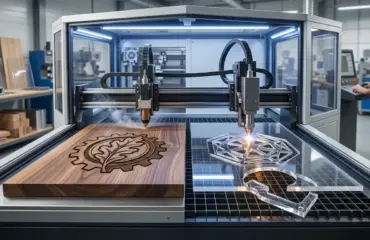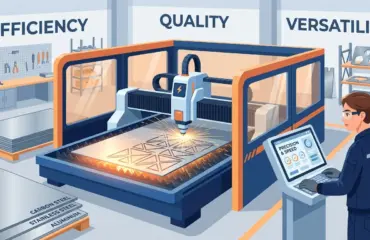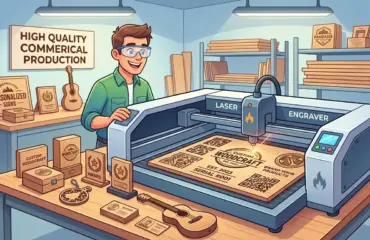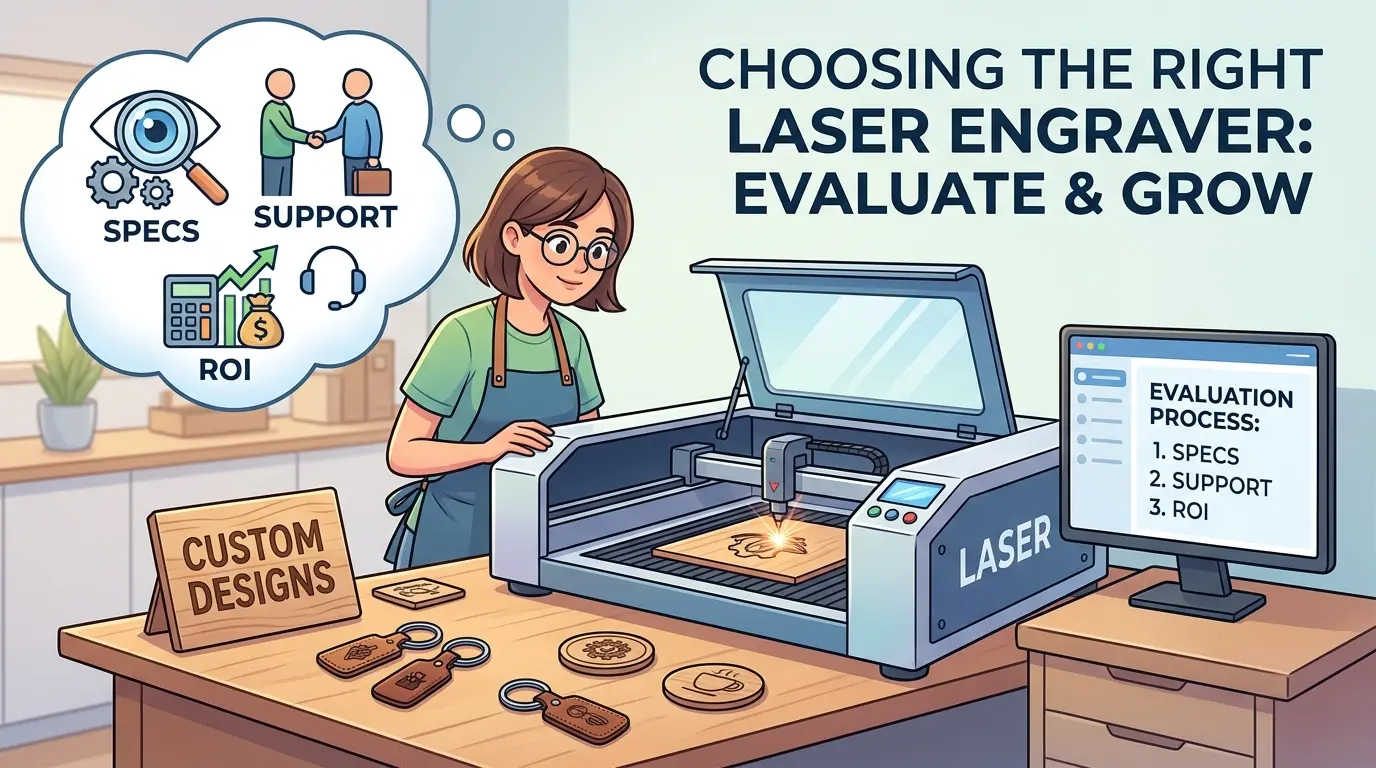
Search results for laser engravers for sale usually make the buying process look simpler than it is. Listings highlight sample photos, machine dimensions, and headline performance claims, but those details alone do not tell you whether the machine will stay productive once real materials, repeated jobs, operator handoffs, and service needs enter the picture.
For commercial buyers reviewing laser cutters and engravers for wood, acrylic, coated boards, and similar non-metallic workflows, the stronger buying method is to evaluate the machine as part of a production system. That means tying specs to the actual job mix, checking whether supplier support will shorten or prolong ramp-up, and calculating ROI from reduced friction instead of from the lowest quote.
Start With the Production Role, Not the Listing Title
The phrase laser engraver can describe very different operational roles. One buyer may need fine branding and decorative detail on customer-facing parts. Another may need one machine that engraves and contour-cuts short-run signage. A third may need a repeatable workstation that supports daily batch production with less operator adjustment.
That is why the first step is not comparing seller claims. The first step is defining the job the machine will carry most of the week.
Buyers should clarify these questions early:
- What Materials Will Consume Most of the Weekly Runtime?
- Is The Main Need Surface Engraving, Cut-And-Engrave Work, Or A Mix Of Both?
- How Sensitive Are Finished Parts To Residue, Contrast Variation, Or Edge Quality?
- Are Jobs Mostly Short-Run Custom Orders Or Repeated Production Batches?
- How Often Will Operators Need To Change Files, Settings, Or Material Types?
- Will The Laser Run As A Standalone Cell Or Feed A Larger Production Workflow?
Without those answers, buyers often reward the most attractive listing rather than the machine that fits the real workload.
If the application moves beyond non-metallic engraving and cutting into metal marking, metal cutting, or tube processing, that should be treated as a separate process-selection decision rather than folded into one general laser-engraver search.
Which Specs Actually Change Production Results
Specs matter, but only when they explain how the machine behaves under your actual workload. A quoted feature becomes useful only when it improves part quality, throughput stability, setup control, or maintenance discipline.
| Evaluation Area | What Buyers Should Check | Why It Changes Real Output | Common Buying Mistake |
|---|---|---|---|
| Work Area and Part Fit | Compare the table size to your real part range, fixture needs, and layout pattern | A better fit reduces awkward repositioning and improves usable capacity | Buying the largest bed available without proving that the extra area will be used |
| Engraving-Only vs Combined Cutting and Engraving | Decide how much of the queue needs one-step processing versus separate operations | The wrong machine role can create scheduling bottlenecks or idle capability | Assuming every shop benefits equally from a combo workflow |
| Positioning Stability and Repeatability | Run the same file in different table positions and across repeated parts | Better repeatability protects alignment, cosmetic consistency, and batch yield | Judging accuracy from one centered demo sample |
| Extraction, Cooling, and Process Environment | Inspect smoke removal, residue buildup, and quality drift during longer runs | Cleaner process conditions support finish quality and reduce intervention | Treating extraction and thermal control as minor accessories |
| Software and Job Recall | Test file handling, recipe storage, repeat-job recall, and operator usability | Better software discipline shortens changeovers and reduces operator variation | Assuming machine software is interchangeable as long as the hardware looks similar |
| Maintenance Accessibility | Review how easily routine cleaning and inspection points can be reached | Easier maintenance helps preserve consistency and reduces avoidable downtime | Looking only at purchase price and ignoring daily service practicality |
Most buyers also overweight headline speed. In practice, net throughput depends on the full cycle: loading, alignment, file selection, job stability, cleanup, inspection, and reset for the next run. A machine that looks fast in motion but demands more intervention often loses the shift to a machine that stays steady and predictable.
Do Not Let One Good Sample Replace a Real Test Method
Many sellers can produce one impressive sample under controlled conditions. That is not the same as proving the machine fits your workflow.
The evaluation method should be repeatable across suppliers. A stronger review process usually includes:
- Running A Real Production File Instead Of A Generic Demonstration Pattern
- Testing More Than One Core Material If Your Queue Requires It
- Repeating Parts In Multiple Positions On The Work Area
- Inspecting Both First-Part Quality And Late-Run Stability
- Measuring Cleanup Time Alongside Processing Time
- Checking How Easily Settings Can Be Recalled For Repeat Work
This approach changes the buying conversation from abstract claims to operational proof. The goal is not to find the best-looking sample. The goal is to identify which machine produces acceptable parts with less instability and less operator correction.
Supplier Support Is Part of the Machine, Not an Extra Line Item
Buyers often treat support as something to review after the quote is already shortlisted. That is backward. Support quality affects how quickly the machine becomes productive, how stable output remains after installation, and how expensive small problems become during the first months of ownership.
| Support Area | What To Ask the Supplier | Why It Matters |
|---|---|---|
| Application Review Before Sale | Ask whether the proposed machine has been matched to your material mix, finish standard, and job pattern | Better application review reduces the risk of buying capability that does not suit the real queue |
| Installation and Commissioning | Clarify what setup, calibration, and production handoff are included | A machine that starts correctly reaches usable output faster |
| Operator Training | Ask what level of process and software training is provided to daily operators | Better training reduces setup drift and dependence on one experienced person |
| Spare and Wear Item Planning | Ask which routine items should be stocked locally and what failures are most common in normal use | Better parts planning limits avoidable downtime |
| Troubleshooting Path | Clarify how startup problems are diagnosed, who owns escalation, and what information the supplier needs from your team | A clear path prevents long delays during early production issues |
| Maintenance Guidance | Ask for routine cleaning, inspection, and preventive-maintenance expectations | Stronger maintenance discipline supports long-run repeatability |
| Documentation Quality | Review whether instructions are usable by operators and maintenance staff, not just by the seller’s technician | Better documentation makes the machine easier to standardize across shifts |
Support should be judged with the same rigor as the machine itself. A lower quote can become more expensive if the buyer spends weeks solving preventable startup and stability problems without clear supplier guidance.
ROI Comes From Reduced Friction, Not Just a Lower Purchase Price
ROI is where many commercial buyers lose clarity. They compare capital cost but ignore the production friction that determines whether the machine actually pays back.
In laser processing, return usually improves through several operational levers:
- Fewer Cosmetic Rejects On Customer-Facing Parts
- Faster Changeovers Between Jobs and Materials
- Less Operator Intervention During Normal Runs
- Lower Cleanup Burden After Engraving or Cut-And-Engrave Work
- Better Repeatability Across Batches and Shifts
- Reduced Outsourcing of Suitable Laser Work
- More Stable Daily Throughput From Fewer Small Interruptions
Those gains are easier to verify than broad promises of productivity. Buyers should ask where current waste really comes from. Is it setup delay, inconsistent contrast, residue cleanup, rework, dependence on one skilled operator, or a lack of process standardization? The correct laser purchase should remove the biggest sources of friction first.
That also means ROI should be calculated against a normalized quote scope. If one proposal excludes commissioning, extraction, or training, it may look cheaper while creating a slower and more expensive ramp-up.
In some cases, the better ROI question is even broader: whether laser processing is the correct station at all for the job mix. If that decision is still open, compare the laser against the wider Pandaxis product catalog rather than forcing every shaping, marking, or decorative requirement into one machine category.
What Buyers Should Look for in the First Year of Ownership
A practical purchase review should extend past delivery day. The first year usually exposes whether the machine was selected well.
Stronger first-year outcomes usually look like this:
- Operators Can Recall Repeat Jobs Without Rebuilding the Process Each Time
- Quality Holds Across Normal Production Runs Instead Of Drifting After Short Use
- Daily Cleaning and Inspection Are Manageable Within the Shift
- Part Appearance Is Predictable Enough To Reduce Rechecks and Rework
- The Supplier Can Resolve Early Questions Without Turning Every Issue Into a Major Delay
- The Machine Supports the Actual Job Mix Instead Of Forcing Workarounds Around It
Weaker first-year outcomes tend to follow the opposite pattern: the machine can produce good samples, but only with heavy operator dependence, inconsistent setup discipline, or repeated support escalations.
Questions To Ask Before You Approve a Quote
Before moving forward, buyers should be able to answer these questions with confidence:
- Which Materials and Surface Standards Has the Proposed Machine Been Matched To?
- What Is Included in the Quoted Scope, and What Must Be Added Separately?
- How Are Jobs, Settings, and Repeat Recipes Stored and Recalled?
- What Training Is Included for Operators, Not Just for Installation Personnel?
- Which Spare or Wear Items Should Be Planned From the Start?
- How Is Early-Stage Troubleshooting Handled If the Machine Does Not Hold Stable Output Right Away?
- What Daily and Weekly Maintenance Tasks Are Required To Keep Results Consistent?
- Which Current Production Bottleneck Is This Purchase Expected To Remove First?
If the supplier conversation cannot answer those questions clearly, the machine may still be technically capable, but the buying risk is higher than the listing suggests.
Practical Summary
When buyers search for laser engravers for sale, the strongest decision rarely comes from comparing headline specs or chasing the lowest quoted number. The better purchase comes from matching the machine to the real production role, checking whether the supplier can support a stable ramp-up, and judging ROI through reduced friction in setup, cleanup, repeatability, and output quality.
The machine that creates the best return is usually not the one with the loudest sales story. It is the one that fits the material mix, holds acceptable quality across real jobs, and becomes easier to run as production grows more demanding.